
RGB to HEX Converter
Enter red, green and blue values, or drag the color range lines, and get the exact HEX code at once. Copy HEX, RGBA-ready values and HSL for your CSS, and check text contrast. Free, with no sign-up.
Convert RGB to HEX Online
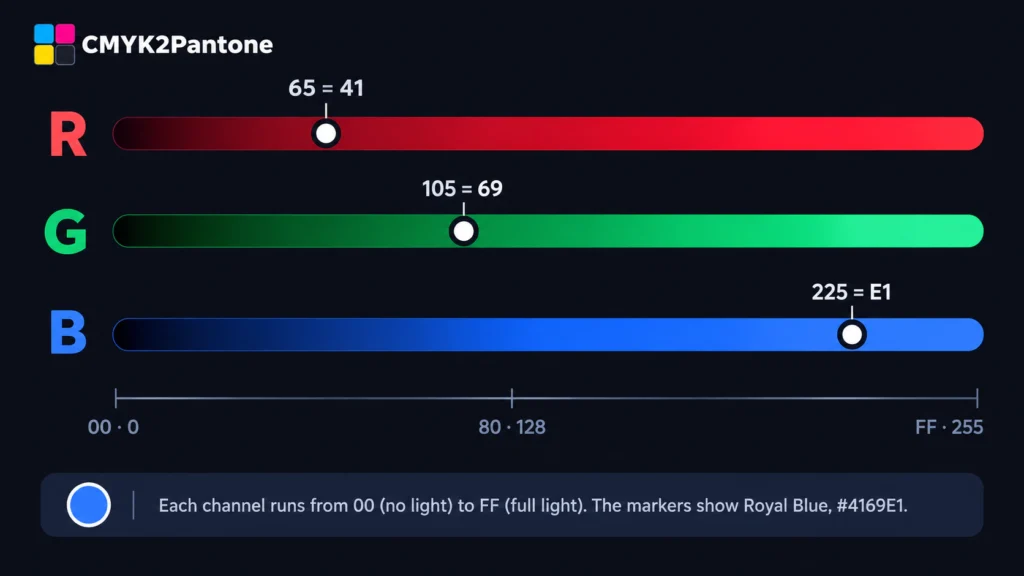
Type a number from 0 to 255, or drag a color line.
RGB to HEX is an exact conversion, because both describe the same screen color. A color can still look slightly different on different screens.
- Free to use
- No registration required
- Runs in your browser
- Copy any format in one click
How Do You Convert RGB to HEX?
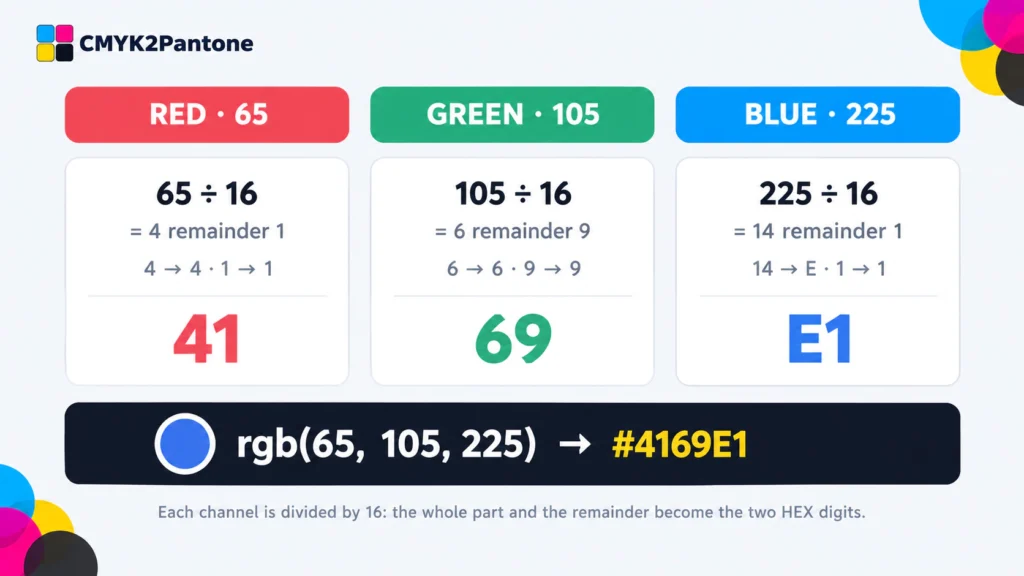
To convert RGB to HEX, change each of the three numbers (0 to 255) into a two-digit base-16 number and join them after a #. Divide the number by 16. The whole part is the first digit and the remainder is the second digit, using A to F for 10 to 15. For example, rgb(65, 105, 225) becomes #4169E1. The conversion is exact.
- Enter your red, green and blue values, or drag the three color lines.
- Read the HEX code in the big box. The header shows it live in red, green and blue pairs.
- Copy the format you need. Choose uppercase, lowercase, rgb(), HSL or the 3-digit short form.
- Check the contrast to see if white or black text is easy to read on your color.
Going the other way? Use our HEX to RGB converter. For print, use RGB to CMYK.
The RGB to HEX Formula, Step by Step
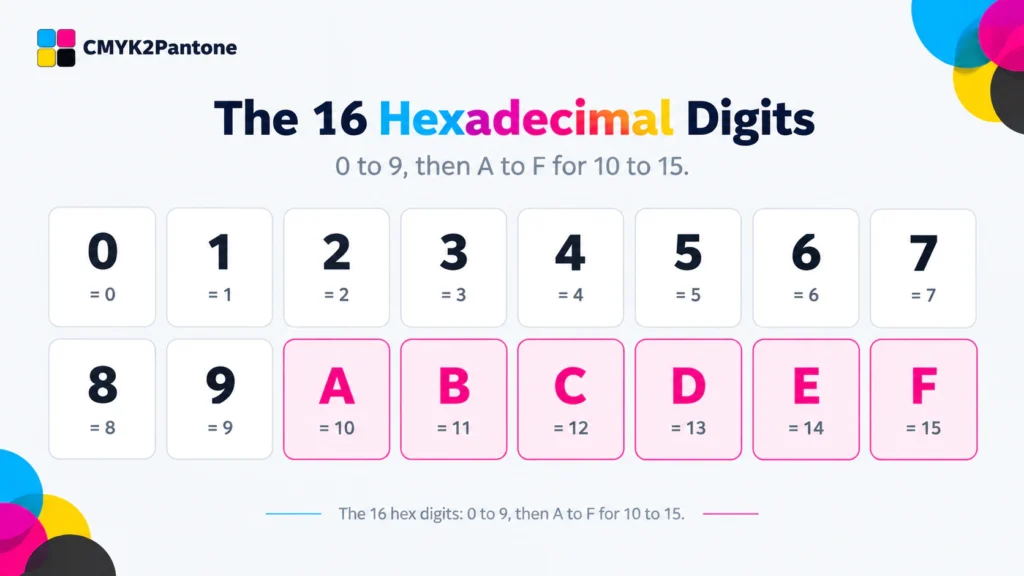
Hexadecimal uses 16 digits: 0 to 9, then A to F for 10 to 15. Let us convert rgb(65, 105, 225), the web color Royal Blue:
Red: 65
65 ÷ 16 = 4 remainder 1
= 41
Green: 105
105 ÷ 16 = 6 remainder 9
= 69
Blue: 225
225 ÷ 16 = 14 remainder 1
14 is E, so E1
In CSS: color: #4169E1;
Check it by going backwards: E1 is 14 × 16 + 1 = 225.
RGB to HEX Conversion Examples
| Color | RGB | HEX |
|---|---|---|
| Coral | 255, 127, 80 | #FF7F50 |
| Gold | 255, 215, 0 | #FFD700 |
| Teal | 0, 128, 128 | #008080 |
| Royal Blue | 65, 105, 225 | #4169E1 |
| Orchid | 218, 112, 214 | #DA70D6 |
| Forest Green | 34, 139, 34 | #228B22 |
| Crimson | 220, 20, 60 | #DC143C |
| Silver | 192, 192, 192 | #C0C0C0 |
RGB to HEX FAQs
How do I convert RGB to HEX?
Enter your red, green and blue values in the converter above and the HEX code appears instantly. By hand, divide each number by 16, write the whole part and the remainder as hex digits (A to F for 10 to 15), and join the three pairs after a #.
What is the RGB to HEX formula?
For each channel, the first digit is the whole number of 16s in the value and the second digit is the remainder. For example, 225 is 14 sixteens plus 1, which is E1. Do this for red, green and blue.
Is RGB to HEX conversion exact?
Yes. HEX is RGB written in base 16, so both describe exactly the same color with nothing lost.
What is the HEX code for rgb(255, 255, 255) and rgb(0, 0, 0)?
rgb(255, 255, 255) is #FFFFFF, which is white. rgb(0, 0, 0) is #000000, which is black. 255 is FF in hex and 0 is 00.
Can I use a 3-digit HEX code?
Only when each pair has two equal digits. For example, rgb(255, 102, 0) is #FF6600, which shortens to #F60. The converter shows the short form when it is possible.
Does this converter store or send my colors?
No. The calculation runs in your browser, so your values are not sent to a server or stored.
Related Color Converters and Guides
About This RGB to HEX Converter
Reviewed by: cmyk2pantone.com, last reviewed October 2026.
Method: everything is calculated in your browser using the arithmetic shown on this page. HSL is rounded to whole numbers. Contrast uses the WCAG 2.1 formula. Values assume the sRGB color space, as defined for CSS in the W3C CSS Color Module Level 4.
Privacy: the values you enter are not sent to a server or stored.
Independent site: CMYK2Pantone is not affiliated with Pantone LLC. See our Disclaimer, or contact us if you find a mistake.
Last updated: October 2026. This page gives general guidance on color workflows. CMYK2Pantone is an independent website and is not affiliated with, sponsored by, or endorsed by Pantone LLC. See our Disclaimer and About page.
