
Best HEX to RGB Converter
Paste a HEX color code and get the exact RGB values, plus RGBA, percentages and HSL for your CSS. The cmyk2pantone tool shows how each pair of digits becomes a number, names the closest web color, and checks text contrast. Free, with no sign-up.
Convert HEX to RGB Online
Enter your HEX color code to get the RGB values.
Accepts 3, 4, 6 or 8 digits, with or without the #.
HEX to RGB conversion is exact, because both describe the same screen color. A color can still look slightly different from one screen to another, depending on display settings.
- Free to use
- No registration required
- Runs in your browser
- Copy any format in one click
- Drag the color lines to fine-tune
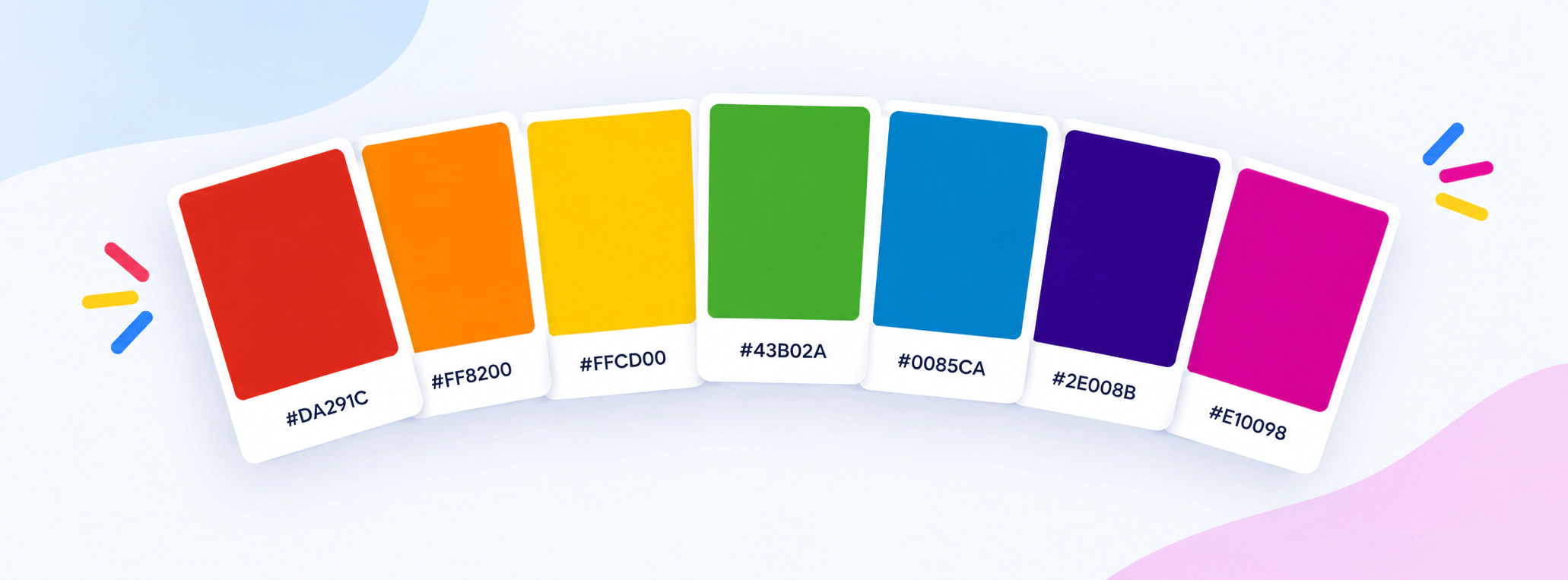
How Do You Convert HEX to RGB?
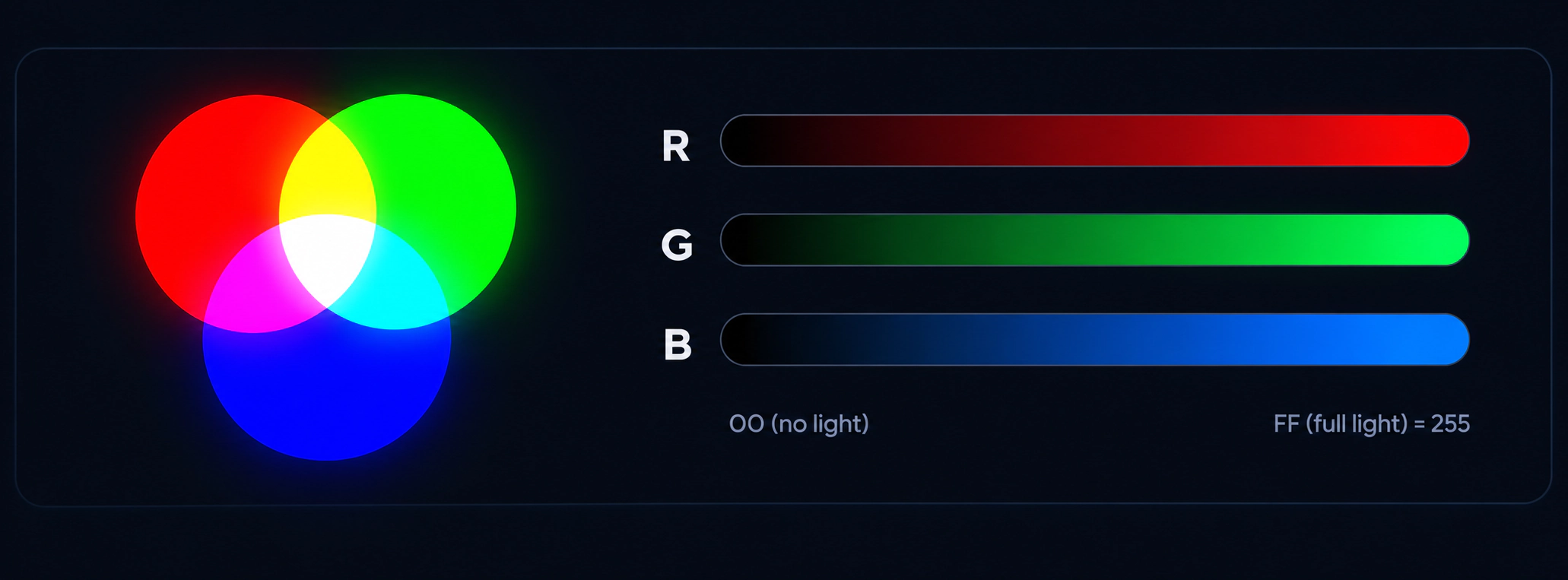
A HEX code is already RGB written in base 16, so converting it is just a change of number system. Split the six digits into three pairs for red, green and blue. For each pair, multiply the first digit by 16 and add the second digit, using A to F for 10 to 15. Write the three results as rgb(red, green, blue). The conversion is exact, and nothing is lost.
- Enter your HEX code. Paste it with or without the #, or pick a color. Codes with 3, 4, 6 or 8 digits all work.
- Read the breakdown. The three boxes show the arithmetic for each pair, so you can follow the conversion step by step.
- Copy the format you need. Choose rgb(), rgba(), HSL, percentages, or 0 to 1 values.
- Check the contrast. The panel tells you whether white or black text is easy to read on your color.
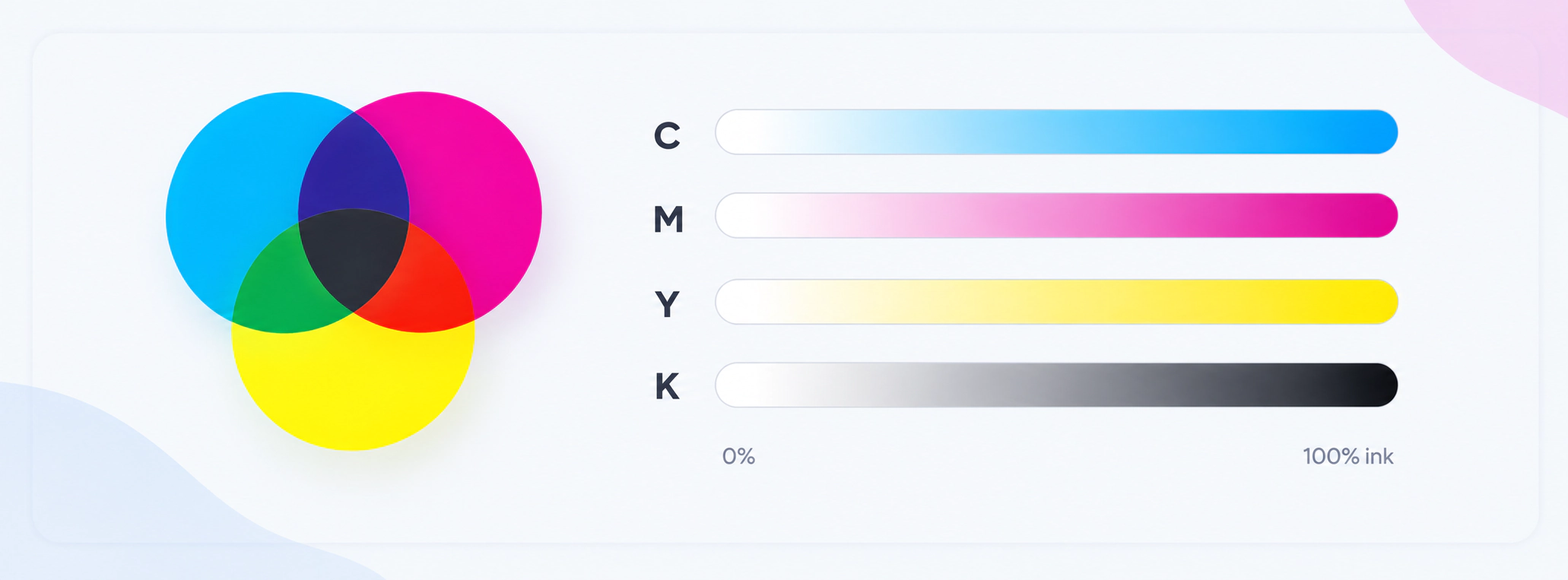
Working toward print? Screens use RGB, but printers use ink. Use our HEX to CMYK converter for the print version, or CMYK to HEX to go the other way.
The HEX to RGB Formula, Step by Step
Hexadecimal uses 16 digits: 0 to 9, then A to F for the numbers 10 to 15.
Let us convert #4169E1, the web color Royal Blue. Each pair becomes a number from 0 to 255:
Red: 41
4 × 16 + 1
= 64 + 1 = 65
Green: 69
6 × 16 + 9
= 96 + 9 = 105
Blue: E1
14 × 16 + 1
= 224 + 1 = 225
In CSS: color: rgb(65, 105, 225);
You can check any conversion by going backwards. Divide 225 by 16 to get 14 with a remainder of 1, and 14 is E in hex, so 225 is E1.
HEX to RGBA: What About Transparency?
A 4 or 8-digit HEX code adds a fourth pair for opacity, called alpha. Unlike CMYK, RGB can keep transparency, so this converter turns it into rgba().
Example: #4169E180
The first six digits are the same Royal Blue. The last pair, 80, is 8 × 16 + 0 = 128. Divide by 255 and you get 0.50, so the result is rgba(65, 105, 225, 0.50).
Example: #F608
Each digit is doubled, so #F608 means #FF660088. The color is rgb(255, 102, 0), and the alpha 88 is 136, or 0.53 opacity.
HEX to RGB Conversion Examples
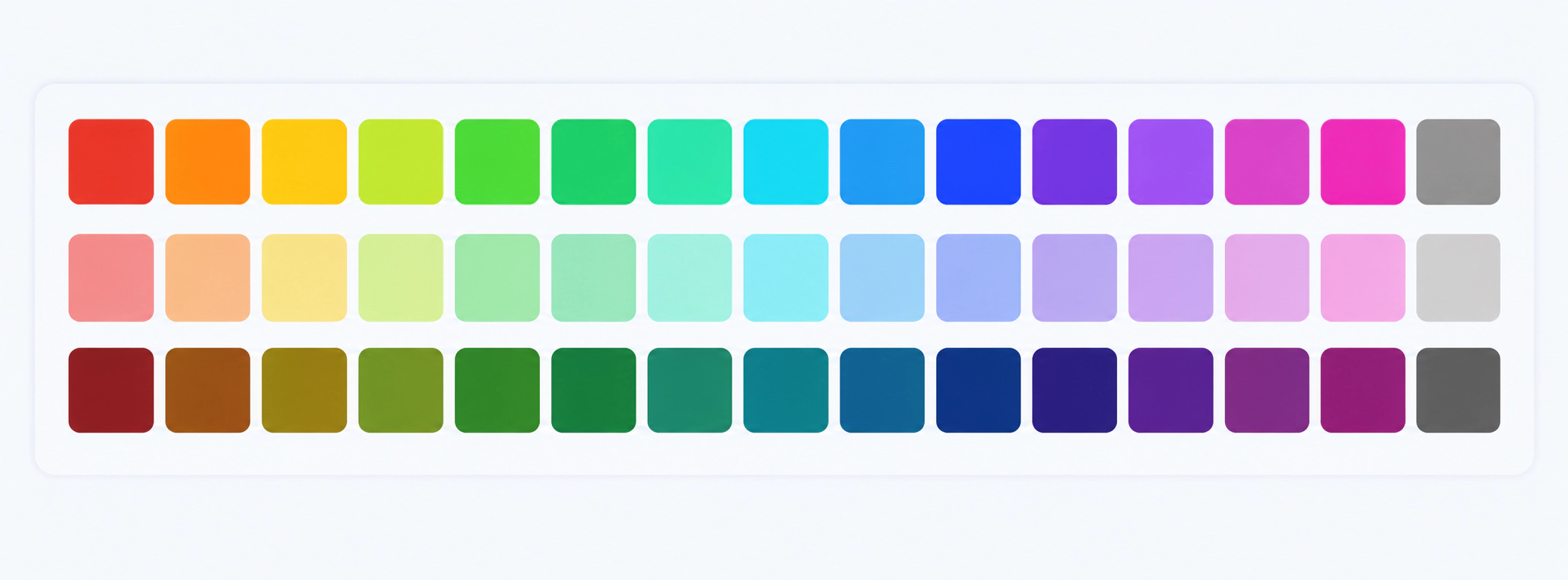
Here are ten popular web colors with their RGB and HSL values. Every number is exact.
| Color | HEX | RGB | HSL |
|---|---|---|---|
| Coral | #FF7F50 | 255, 127, 80 | hsl(16, 100%, 66%) |
| Gold | #FFD700 | 255, 215, 0 | hsl(51, 100%, 50%) |
| Teal | #008080 | 0, 128, 128 | hsl(180, 100%, 25%) |
| Royal Blue | #4169E1 | 65, 105, 225 | hsl(225, 73%, 57%) |
| Orchid | #DA70D6 | 218, 112, 214 | hsl(302, 59%, 65%) |
| Forest Green | #228B22 | 34, 139, 34 | hsl(120, 61%, 34%) |
| Sienna | #A0522D | 160, 82, 45 | hsl(19, 56%, 40%) |
| Dodger Blue | #1E90FF | 30, 144, 255 | hsl(210, 100%, 56%) |
| Midnight Blue | #191970 | 25, 25, 112 | hsl(240, 64%, 27%) |
| Silver | #C0C0C0 | 192, 192, 192 | hsl(0, 0%, 75%) |
Want more codes to browse? See our color chart with HEX, RGB and CMYK codes.
Which Color Format Should You Use in CSS?
HEX, RGB and HSL all describe the same screen colors, so the best choice is the one that is easiest for you to read and change.
HEX
Short and common, and easy to copy from design tools. Not easy to adjust by eye.color: #4169E1;
RGB and RGBA
Shows each light channel clearly, and lets you add transparency with the fourth number.color: rgb(65, 105, 225);
color: rgba(65, 105, 225, 0.5);
HSL
Hue, saturation and lightness. Handy for making lighter or darker versions of one color by changing the last number.color: hsl(225, 73%, 57%);
Modern RGB syntax
Current browsers also accept spaces and a slash for opacity, as defined in CSS Color Level 4.color: rgb(65 105 225 / 50%);
Tips for Using HEX and RGB Colors
- Pick one format per project. Mixing HEX, RGB and HSL makes a stylesheet harder to maintain.
- Check text contrast. Normal text needs a ratio of at least 4.5:1 against its background to meet WCAG AA, and large text needs 3:1. The converter shows both ratios for white and black text.
- Remember print is different. A bright screen color may print duller. Our RGB to CMYK converter shows an estimated print preview.
- Use 6 digits for brand colors. Shorthand is handy, but full codes are clearer in brand guides.
Where RGB and HEX Colors Come From
Every HEX code you type rests on ideas that are more than 150 years old, and on web standards from the 1990s. The people and organizations here are mentioned for context, and they have no connection to this website.
- 1861: James Clerk Maxwell and the RGB ideaThe Scottish physicist demonstrated a color image made from three photographs taken through red, green and blue filters, a landmark for the way screens still make color. Wikipedia: James Clerk Maxwell
- 1994: the W3C is foundedTim Berners-Lee, who invented the World Wide Web, founded the World Wide Web Consortium in 1994 to guide web standards, including the color notation used in CSS. Wikipedia: Tim Berners-Lee · Wikipedia: W3C
- 1996: CSS level 1 and #rrggbbCSS level 1 became a W3C Recommendation on 17 December 1996 and includes the #rrggbb and shorthand #rgb color notation. W3C: CSS level 1
- Later: rgba() and hsl()The CSS Color Module added transparency with rgba() and the hue, saturation and lightness model with hsl(), and Level 4 added 4 and 8-digit HEX codes and the modern space-separated rgb() syntax. W3C: CSS Color Module Level 4 · Wikipedia: HSL and HSV
For more background, see Wikipedia’s articles on the RGB color model, web colors, hexadecimal and sRGB.
Related Color Converters, Charts and Guides
Sources and Standards Behind This Converter
We list these so you can check our claims. We are not affiliated with these organizations.
- W3C, CSS Color Module Level 4Defines HEX, rgb(), rgba() and hsl() notation, including 4 and 8-digit HEX codes. View the specification
- W3C, CSS level 1 (1996)The first CSS Recommendation, which introduced #rrggbb and #rgb colors. View CSS level 1
- W3C, Web Content Accessibility Guidelines (WCAG) 2.1The source of the 4.5:1 and 3:1 contrast thresholds and the contrast formula used by this tool. View WCAG 2.1
- sRGB (IEC 61966-2-1)The standard RGB color space for screens and the web, which the values on this page assume.
- WikipediaBackground reading on the RGB color model, web colors and HSL.
About This HEX to RGB Converter
Reviewed by: cmyk2pantone.com, last reviewed October 2026.
Method: everything is calculated in your browser using the arithmetic shown on this page. HEX to RGB is an exact base-16 conversion. HSL is calculated with the standard formulas and rounded to whole numbers, and the example table was checked with an independent calculation. Web color names come from the standard CSS list.
Limits: screens differ, so the same RGB values can look slightly different on different displays.
Privacy: the codes you enter are not sent to a server or stored.
Independent site: CMYK2Pantone is not affiliated with Pantone LLC. See our Disclaimer, or contact us if you find a mistake.
HEX to RGB FAQs
How do I convert HEX to RGB?
Paste your HEX code into the converter above, and it shows the RGB values instantly. By hand, split the code into three pairs, then for each pair multiply the first digit by 16 and add the second digit, using A to F for 10 to 15. The three results are your red, green and blue values.
What is the HEX to RGB formula?
For a pair of hex digits, the value is the first digit × 16 plus the second digit. For example, E1 is 14 × 16 + 1 = 225. Do this for the red, green and blue pairs to get rgb(red, green, blue), each between 0 and 255.
Is HEX to RGB conversion exact?
Yes. HEX is simply RGB written in base 16, so each HEX code and its RGB values describe exactly the same color with nothing lost. Only conversions to other systems, such as CMYK, are approximate.
What are the RGB values of #FFFFFF, #000000 and #FF0000?
#FFFFFF is rgb(255, 255, 255), which is white. #000000 is rgb(0, 0, 0), which is black. #FF0000 is rgb(255, 0, 0), which is pure red. FF is the highest pair value, 255, and 00 is the lowest, 0.
What does a 3-digit HEX code like #F60 mean in RGB?
A 3-digit HEX code doubles each digit, so #F60 means #FF6600. That converts to rgb(255, 102, 0). Shorthand only works when both digits in every pair are the same, so a code like #4169E1 cannot be shortened.
How do I convert an 8-digit HEX code to RGBA?
Convert the first six digits to RGB as usual. Then convert the last pair to a number from 0 to 255 and divide by 255 to get the opacity. For example, #4169E180 has alpha 80, which is 128, or 0.50, so it becomes rgba(65, 105, 225, 0.50).
What is HSL, and why does this tool show it?
HSL stands for hue, saturation and lightness. It describes the same screen color as RGB in a way that is easier to adjust, because you can make a color lighter or darker by changing only the lightness number. CSS accepts hsl() directly.
Does this converter store or send my colors?
No. The calculation runs in your browser, so the codes you type are not sent to a server or stored by the converter.
Last updated: October 2026. This page gives general guidance on color workflows. Historical figures and organizations are mentioned for context only. CMYK2Pantone is an independent website and is not affiliated with, sponsored by, or endorsed by Pantone LLC. See our Disclaimer and About page.
